Matrimonial Registration & Profile Completion Guide
Follow this step-by-step visual walkthrough to understand logging in, completing basic account details, activating the Matrimonial module, uploading photos, and browsing verified community matches.
Start Your Matrimonial Journey
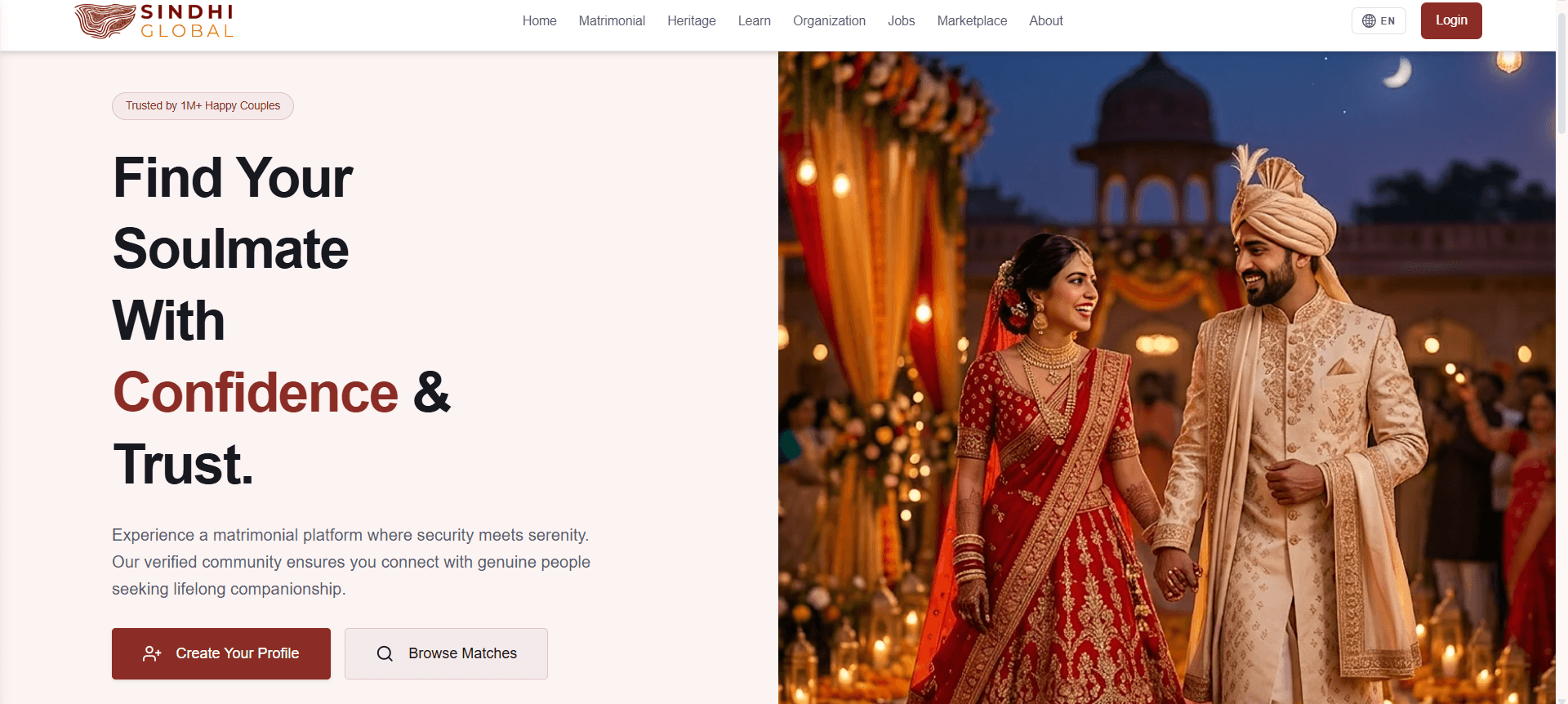
When visiting the Matrimonial page as a guest, clicking "Create Your Profile" redirects you to sign in or register an account.
Post-Login Profile Dashboard
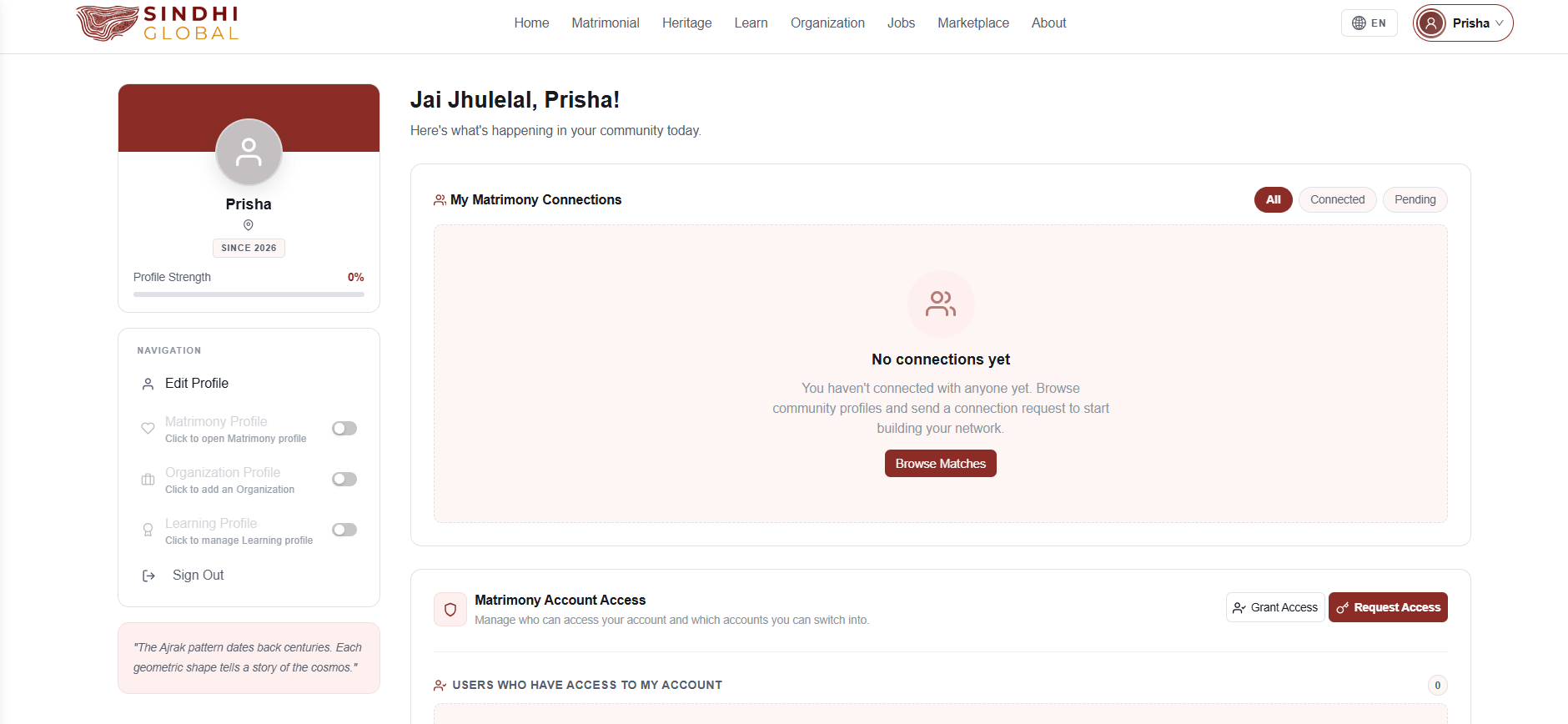
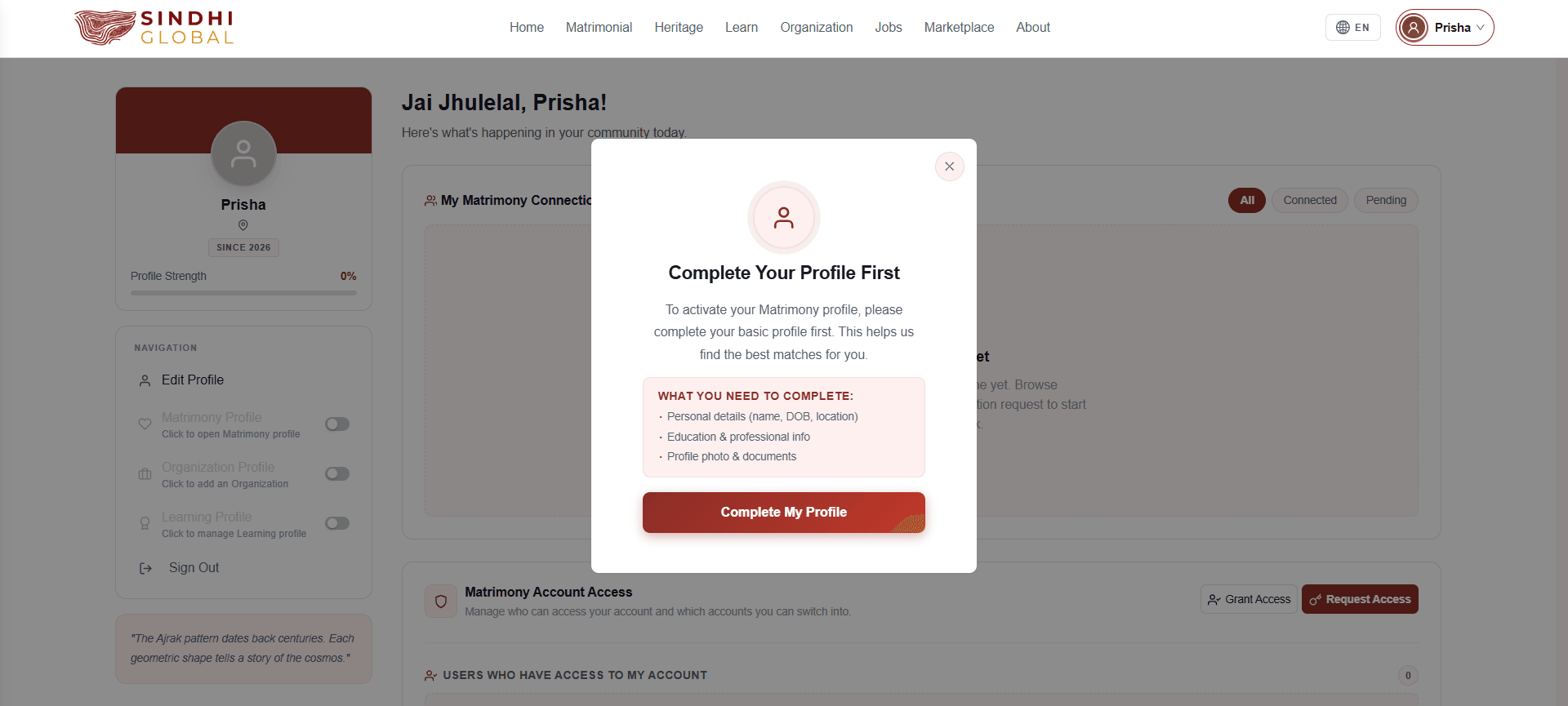
After logging in, you land on your Profile Dashboard. If basic profile details are missing, a prompt directs you to complete your basic profile first.
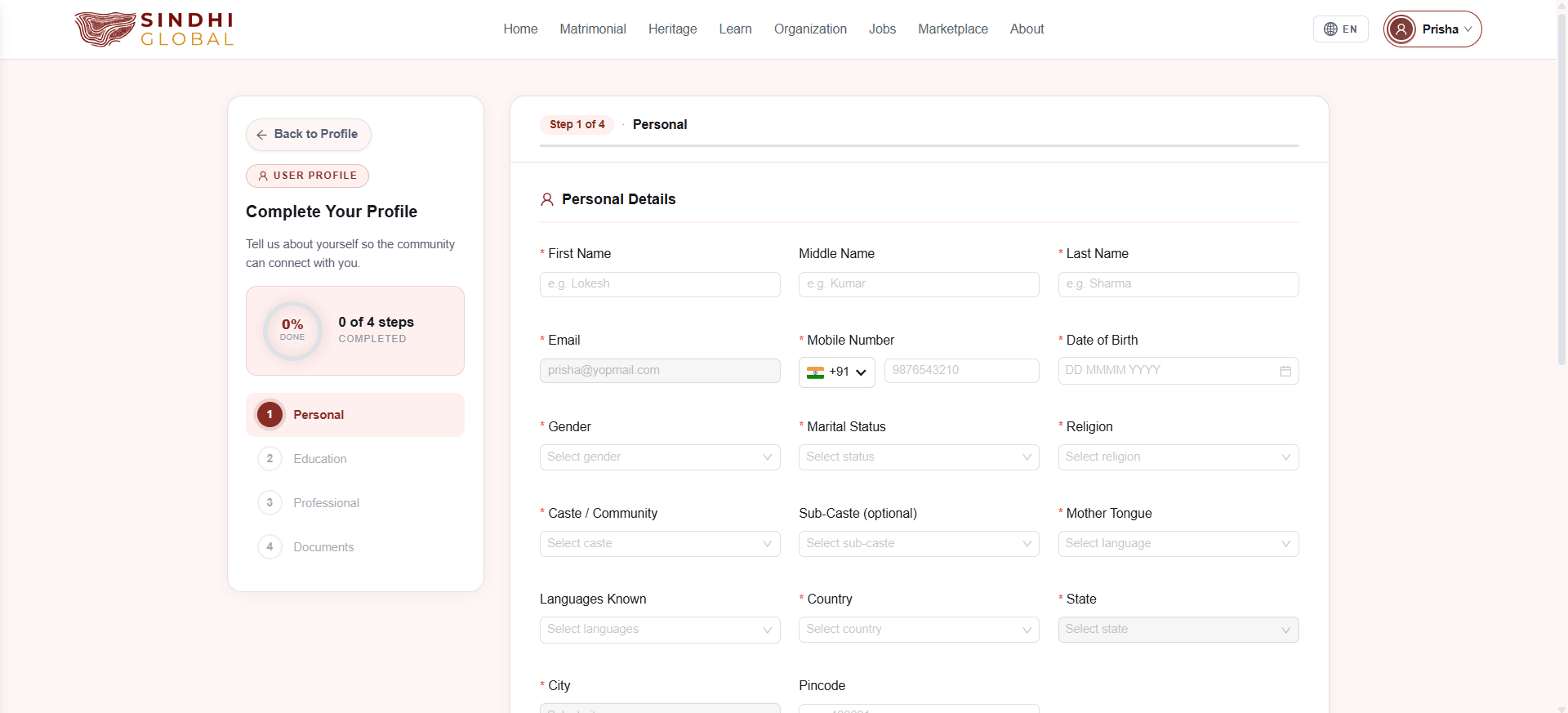
Completing Basic Profile Form
Fill out basic personal details including Full Name, Date of Birth, Gender, Current City, and Native Place. Save the form to unlock module activations.
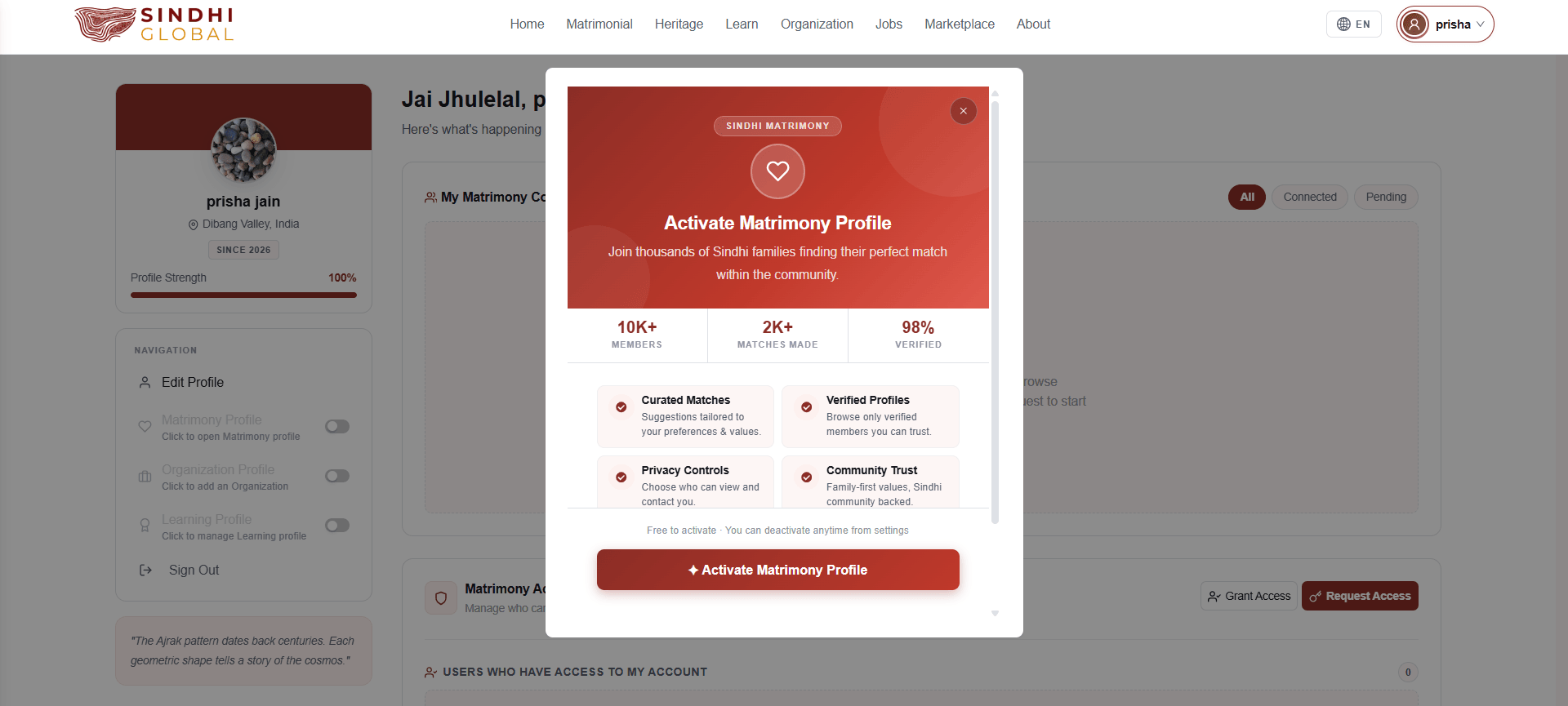
Activating Matrimony Profile
Switch to the Matrimonial section in profile manager (`?type=matrimonial`). Upload your profile photos and set your photo privacy preferences.
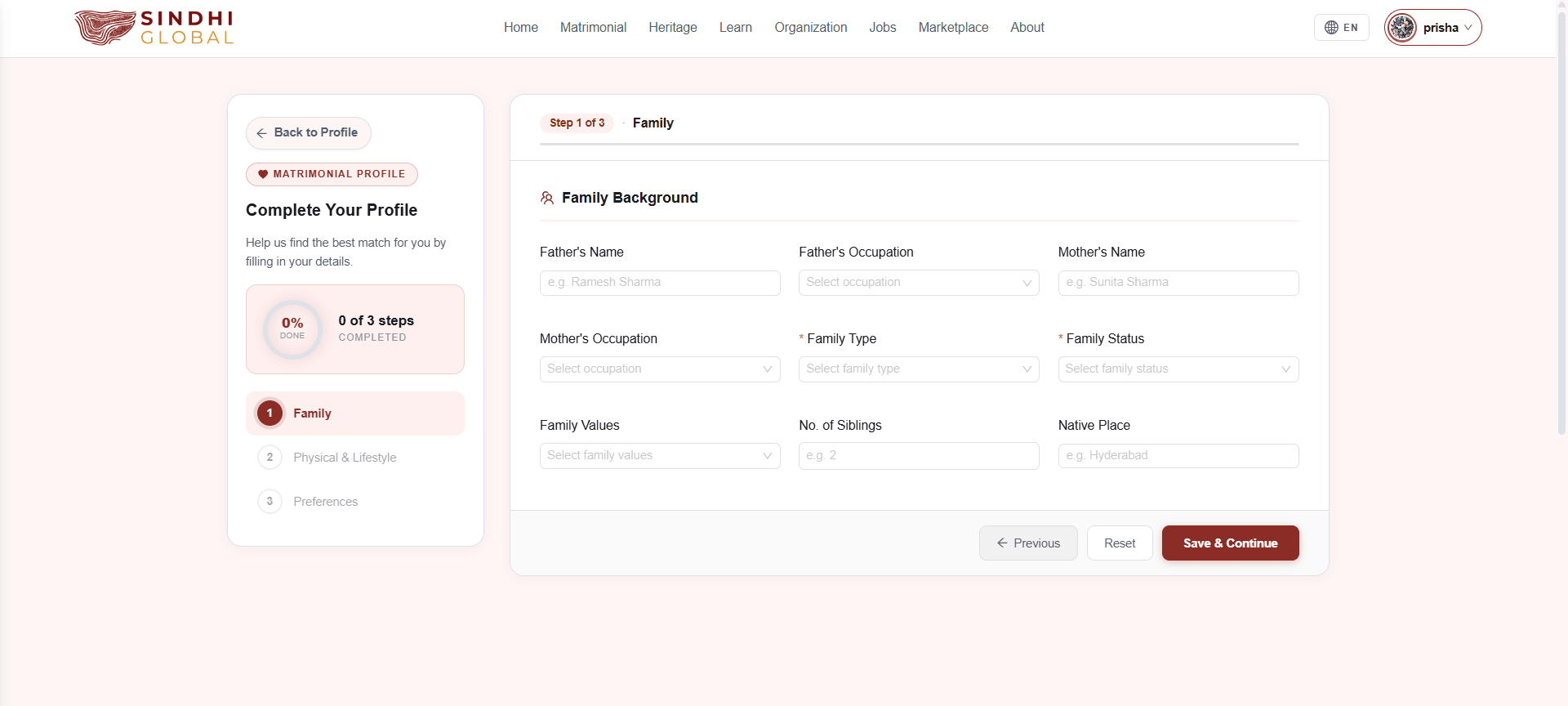
Matrimonial Details & Partner Preferences
Complete your education, profession, family background, and partner expectations to finalize your Matrimonial profile.
Browse Matches & Send Connection Requests
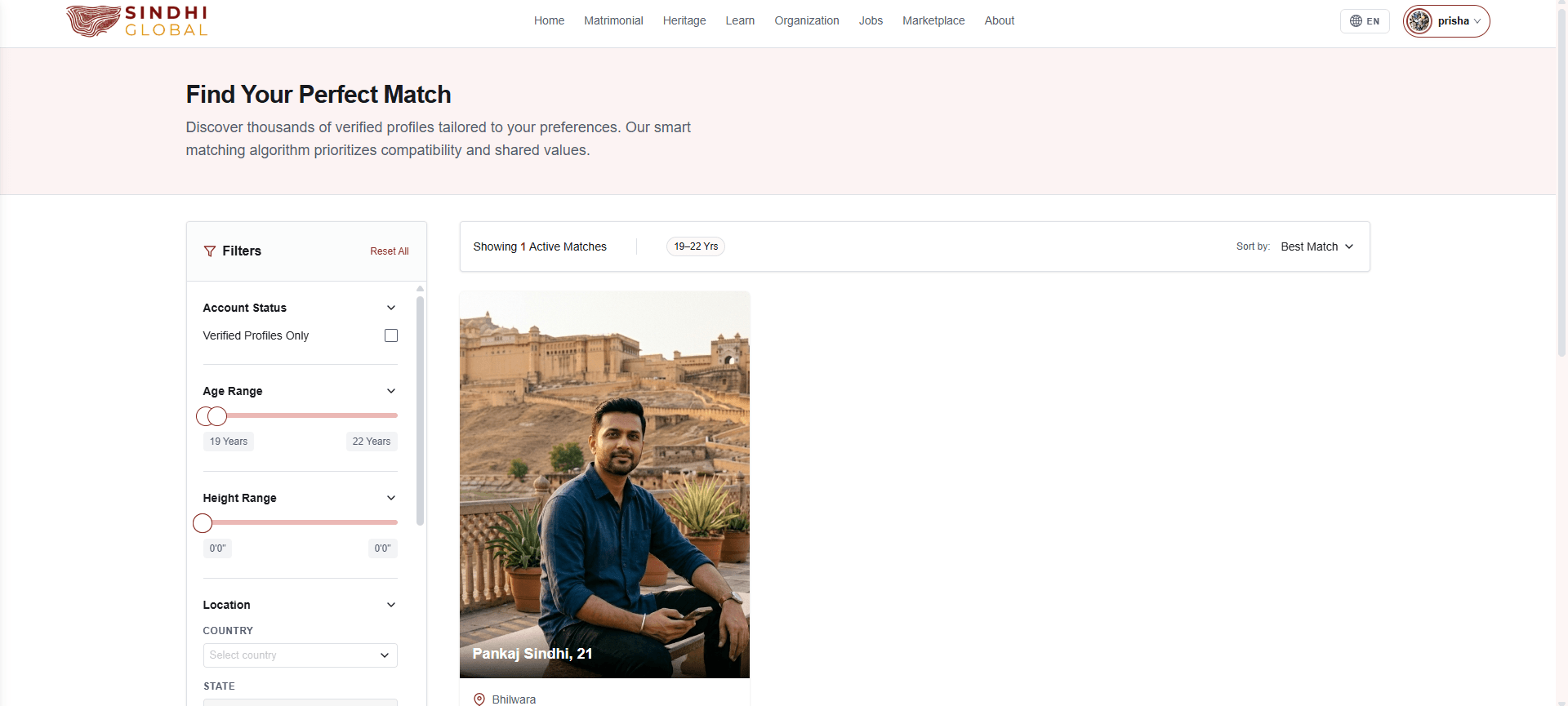
With your profile fully set up, browse verified community matches, filter by age/city/education, view full profile details, and connect!